Shopify bounce rate benchmarks that actually matter
 By Dror Aharon
·
CEO, COREPPC
·
Updated April 17, 2026
·
11 min read
By Dror Aharon
·
CEO, COREPPC
·
Updated April 17, 2026
·
11 min read
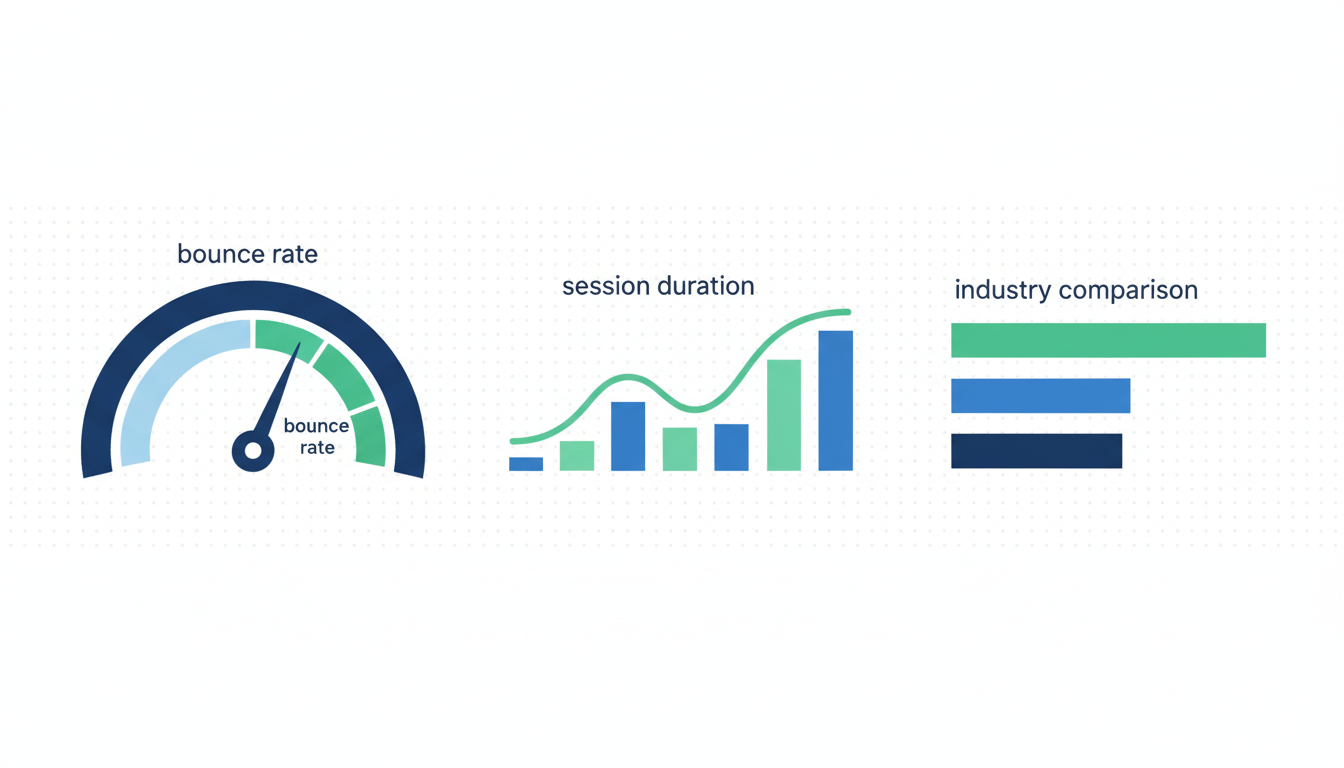
Shopify bounce rate benchmark questions start from the wrong metric, because GA4 killed bounce rate in 2023 and replaced it with engagement rate, which has a stricter definition. If you are chasing "under 40% bounce rate" you are measuring against a 2019 number from a platform that does not exist anymore. Site-wide engagement across our 40-audits-a-month sample now medians 58% on desktop and 49% on mobile. The actionable ranges shift hard by industry, traffic source, and device. Paid social runs about 20 points below organic on the same site, which is normal, not a creative problem. Best to benchmark against the right slice, know what engagement rate cannot tell you, and pair it with conversion rate before changing anything on the site. Reading one number in isolation is how most of our audit clients burned a whole quarter on the wrong fix before they called us.
- Engagement rate replaced bounce rate in GA4. 58% desktop / 49% mobile is the Shopify median in 2026.
- Paid social engagement rate is 15 to 20 points below organic. That gap is traffic quality, not a landing page bug.
- Mobile engagement runs 9 points below desktop on the same site. Fix load time before fixing copy.
- Engagement rate alone will not tell you if money is being made. Read it next to CR and RPS.
Why GA4 killed "bounce rate" and what engagement rate replaced it with
Bounce rate is basically dead for Shopify stores and most operators still do not know it. GA4 deprecated the old Universal Analytics bounce rate in mid-2023. The metric on dashboards today is engagement rate, and it is not just the inverse of what you remember. A session is "engaged" in GA4 if it lasts more than 10 seconds, fires at least 2 events, or ends in a conversion. Anything else is a non-engaged session, which is the new "bounce". A visitor who reads a product page for 45 seconds and leaves without scrolling used to count as a bounce. Under GA4 they count as engaged. The definitions changed. The number people quote stayed the same.
If you pull "bounce rate" from GA4 today, the number is 1 minus engagement rate, which is not the Universal Analytics metric you remember. Shopify Analytics does not report bounce rate at all anymore. The GA4 engagement rate documentation spells out the 10-second rule. Most "ecommerce bounce rate benchmark" articles on page 1 of Google were written in 2020 or 2021 and never updated, which is why the numbers they quote (25%, 40%, 55%) read like they came from a different platform. They did.
So the question worth asking in 2026 is: what engagement rate should a Shopify store expect, cut by which dimension, on which device?
Engagement rate benchmarks by industry
Shopify engagement rate varies hard by industry, and the pattern does not map one-to-one onto conversion rate. High-intent categories like food and beverage run high engagement because the visitor already decided to buy. Electronics runs lower because buyers compare across tabs, bounce through 4 or 5 stores in a session, and only one counts as engaged. Our 471-audit rolling 12-month sample gives the following medians.
Site-wide engagement rate, all devices blended, 2026:
| Industry | Engagement rate (median) | 25th percentile | 75th percentile | Sample size |
|---|---|---|---|---|
| Apparel and fashion | 56% | 48% | 64% | 128 |
| Beauty and personal care | 61% | 53% | 69% | 94 |
| Supplements and wellness | 54% | 46% | 62% | 67 |
| Home goods and decor | 52% | 43% | 61% | 83 |
| Electronics and accessories | 44% | 36% | 52% | 31 |
| Food and beverage | 67% | 59% | 75% | 42 |
| Pet products | 58% | 49% | 66% | 26 |
Food and beverage runs highest (67% median) because intent is concentrated. Someone searching for a specific protein brand skims the product page, adds to cart, fires 2 or 3 events easily. Electronics runs lowest (44%) because comparison behaviour is baked in. A visitor looks at specs for 9 seconds, opens a competitor tab, leaves. Under GA4's rule that 9-second visit is non-engaged, even with high intent.
If you run a home goods store at 50% engagement and a blog post tells you the "benchmark is 70%", you are about to waste a quarter rebuilding a landing page that does not need rebuilding. Your 50% is below the 25th percentile for your industry (43%), so there is room, but the realistic ceiling sits around 61%, not 70%. Benchmark against the right slice or do not benchmark at all.
One thing to flag on apparel and beauty. Both cluster above 55% because the shopping behaviour is scroll-heavy (multiple product views, filter clicks, swatch interactions), and every interaction fires an event, tripping the engagement threshold. Event volume drives engagement rate more than people realize. Our audits check what events the theme is firing before reading engagement numbers off the dashboard.
Engagement rate by source: paid vs organic vs direct vs email
Traffic source trips up most operators, because paid social reads "worse" on engagement than organic or direct, and it is supposed to. A paid ad pulls someone out of a Reel and drops them on a product page cold. Context-switching lag eats the first 3 or 4 seconds. Many of those sessions close before the 10-second threshold fires. That is not a landing page problem. That is how cold paid social traffic behaves on every store on Shopify.
Engagement rate by source, Shopify median, 2026:
| Source | Engagement rate (median) | Typical range |
|---|---|---|
| Organic search | 67% | 58 to 76% |
| Direct | 71% | 62 to 80% |
| 74% | 65 to 83% | |
| Organic social | 54% | 45 to 63% |
| Paid search (Google) | 62% | 52 to 72% |
| Paid social (Meta, TikTok) | 48% | 38 to 58% |
| Referral | 59% | 50 to 68% |
Email runs highest (74%) because the audience already knows the brand and clicks with specific intent. Direct runs second because it is mostly brand-aware return visitors. Paid social runs 15 to 20 points below organic, consistently, across every industry we audit. That gap is normal. Traffic quality, not creative fatigue, not a broken landing page.
The misread we see all the time: operator checks GA4, sees paid social at 45% engagement, panics, rebuilds the ad set, swaps creative, nothing changes. Because the problem was not the ad. The problem was reading engagement rate on a traffic source that is structurally lower-engagement by definition. Best to benchmark paid social against paid social. Below 38% you have a real problem. Above 48% you are in the normal band and the work is somewhere else (CTR, CPM, checkout flow).
One caveat on email. Above 80% on email traffic is often a tiny list plus aggressive segmentation, not a flawless setup. A store with 500 subscribers at 82% is not beating a store with 40,000 subscribers at 68%. Denominator matters.
Mobile vs desktop engagement gaps
Mobile engagement rate sits 9 points below desktop on the median Shopify store. Our sample reads 58% desktop median against 49% mobile median, blended across traffic sources. The gap is real, it is structural, and it is mostly about load time and session length, not about content.
The breakdown by device and industry:
| Industry | Desktop engagement | Mobile engagement | Gap |
|---|---|---|---|
| Apparel and fashion | 61% | 52% | 9pts |
| Beauty and personal care | 66% | 57% | 9pts |
| Supplements and wellness | 59% | 50% | 9pts |
| Home goods and decor | 57% | 48% | 9pts |
| Electronics and accessories | 49% | 40% | 9pts |
| Food and beverage | 72% | 63% | 9pts |
| Pet products | 63% | 54% | 9pts |
The 9-point gap is almost constant across categories, which is the interesting part. The gap is not about what shoppers want on mobile vs desktop. It is about how long sessions last before a distraction pulls the user out. Mobile sessions median around 38 seconds in our sample. Desktop medians around 1 minute 14 seconds. The 10-second threshold is a smaller slice of a mobile session, so more mobile sessions fall below it.
The actionable cut: if your mobile engagement gap is larger than 12 points, you probably have a mobile site speed problem. Pull a PageSpeed Insights report and check Largest Contentful Paint on mobile. If LCP is above 3.5 seconds, every second shaved lifts mobile engagement by 2 to 3 points. If your gap is 8 to 10 points you are already at the structural floor and chasing it harder gets you nothing.
Best to test this in Shopify Analytics by filtering by device. The blended number is a weighted average that hides the device story. Most operators never make that cut and spend three months "optimizing the store" when the whole opportunity was a mobile load time fix.
What engagement rate will not tell you (and why most operators fool themselves)
Engagement rate is a shallow metric. It tells you whether a session crossed a 10-second / 2-event threshold. It does not tell you whether the session made money, whether the customer came back, or whether the product got added to cart. A store can run at 70% engagement and convert at 0.8%. A store can run at 45% engagement and convert at 3.2%. Different metrics, different questions.
The failure mode we see most often: an operator reads a high engagement number, assumes the site is working, never looks at checkout CR. Then the CFO asks why ad spend is up 40% quarter over quarter with revenue flat. Engagement was fine. Conversion rate was half the industry benchmark and nobody was looking at it.
A few things engagement rate will not flag:
- Broken checkout step. Engagement fires before checkout loads. A store can run 65% engagement and 0.4% site CR at the same time.
- Thin product data. Visitors can engage (scroll, click, 30 seconds) without getting the answer they needed to buy. Engagement counts the scroll, not the intent.
- Wrong-intent paid social traffic. A video ad can pull curiosity-clickers who engage for 12 seconds and never had purchase intent. Engagement up, revenue flat.
- Event inflation from heavy theme code. Stores with 40+ events per page hit the threshold easily and read 75%+ engagement, which looks great and means nothing.
The rule we run on every audit: engagement above 70% with CR under 1.5% is a tracking bloat story, not a performance story. Check which events are firing before reading anything else. Shopify's native analytics documentation covers session reporting, but GA4 is where the engagement definition actually lives.
The 3 fixes that reliably raise engagement rate
Most "fix your bounce rate" advice is recycled 2020 content that does not survive contact with how GA4 works in 2026. Three levers reliably move engagement rate in our audit data.
-
Fix mobile LCP. Load time is the single biggest lever on mobile engagement. If your LCP is above 3.5 seconds, every 1 second improvement lifts mobile engagement 2 to 3 points. Biggest wins come from compressing hero images, lazy-loading below the fold, and removing third-party scripts that are not business-critical (old heatmap tools, abandoned A/B snippets, three review widgets stacked). We see this on half of audited stores.
-
Match ad intent to landing page intent. Paid social engagement below 38% is almost always a message-match failure. The ad promises one thing, the landing page opens on another. Visitors read the mismatch in 3 seconds and close. The fix is not a bigger headline. The fix is landing the ad on a page that continues the ad's story. A store selling "30-second setup" hammocks should land on a page whose hero says "30-second setup", not a generic PDP. Lift is usually 8 to 12 points on paid social within two weeks.
-
Remove event bloat, then add the right events. Sounds counter-intuitive. Stripping 20 unnecessary events and adding 3 well-placed ones often drops engagement on paper (total event volume falls) but raises CR. The old number was inflated. Best to have 5 meaningful events (scroll 50%, ATC, view cart, initiate checkout, purchase) than 40 junk events firing on every hover. If engagement drops 10 points and CR rises 0.3 points after cleanup, that is a win.
Two things operators waste time on that rarely move engagement: longer homepage copy, and exit-intent popups. Neither moves the 10-second / 2-event threshold in any detectable way in our audits.
Reading engagement rate alongside conversion rate
The cleanest way to use engagement rate is never alone. Read it next to site CR and RPS (revenue per session) at the same cut. The relationship is the story. The individual number is not.
Four patterns we see on audits:
- High engagement (65%+) and high CR (2.5%+): healthy store. Keep doing what you are doing.
- High engagement (65%+) and low CR (under 1.2%): site is compelling but something downstream is broken. Usually checkout friction, shipping sticker shock, or trust gaps. Fix checkout, not content.
- Low engagement (under 50%) and high CR (2%+): wrong metric for this store. Return-heavy, already-decided visitor base. The CR is the truth. Engagement is noise. Ignore it.
- Low engagement (under 50%) and low CR (under 1%): traffic quality problem. The site is fine. The traffic is wrong. Kill the worst-performing ad set before touching the site. Our guide on Shopify conversion rate benchmarks by industry covers the CR side in detail.
We run this 2x2 on every audit before making any on-site recommendations, because the same "bad engagement rate" number means three different things depending on which quadrant you are in. An operator chasing the number without reading the quadrant spends three months fixing the wrong thing.
If engagement rate changes week-over-week and nothing changed on the site or in the ads, check your GA4 config. A property-level setting change or a new third-party script can move the threshold in ways that look like real performance changes. Check the measurement ID before rebuilding the funnel.
Frequently asked questions
What is a good bounce rate for Shopify in 2026?
1 minus engagement rate, and it is not comparable to the Universal Analytics bounce rate you remember. Best to stop benchmarking against pre-2023 numbers and start cutting by industry, source, and device using the engagement rate tables above. A healthy engagement range depends entirely on which slice of traffic you are looking at.Why is my Shopify bounce rate so high on paid social?
How does engagement rate differ from bounce rate?
What's the ecommerce bounce rate benchmark 2026?
Does Shopify Analytics show bounce rate anymore?
Should I worry about mobile engagement being lower than desktop?
Running a Shopify store and not sure whether your engagement rate and CR actually line up with your industry? We audit around 40 stores a month and the first question we ask is always which slice of traffic you are benchmarking against. Request a free audit and we will read the numbers in context, not in isolation.
Meta CAPI setup on Shopify is one of those fixes that looks small on the dashboard and compounds for months afterward. Dedup cleanly, raise EMQ above 8.5, validate in Test Events before you push live, and the algorithm finally has signal it can trust. That is when ROAS stops wobbling and budget scales predictably, instead of collapsing every time you push daily spend past the last tested ceiling. Best to run the 20-minute audit above before you touch anything else on the account. If the audit surfaces two or more of the problems in the "Why Shopify stores get CAPI wrong" section, fix those first, then revisit creative testing. The creative never was the problem, nine times out of ten the tracking was lying the entire time.
Get a full X-ray of your ad account
Paste your Meta and Google Ads. See exactly where signal is leaking. Free. 60 seconds.