Mobile vs desktop conversion on Shopify: what to do about it
 By Dror Aharon
·
CEO, COREPPC
·
Updated April 17, 2026
·
11 min read
By Dror Aharon
·
CEO, COREPPC
·
Updated April 17, 2026
·
11 min read
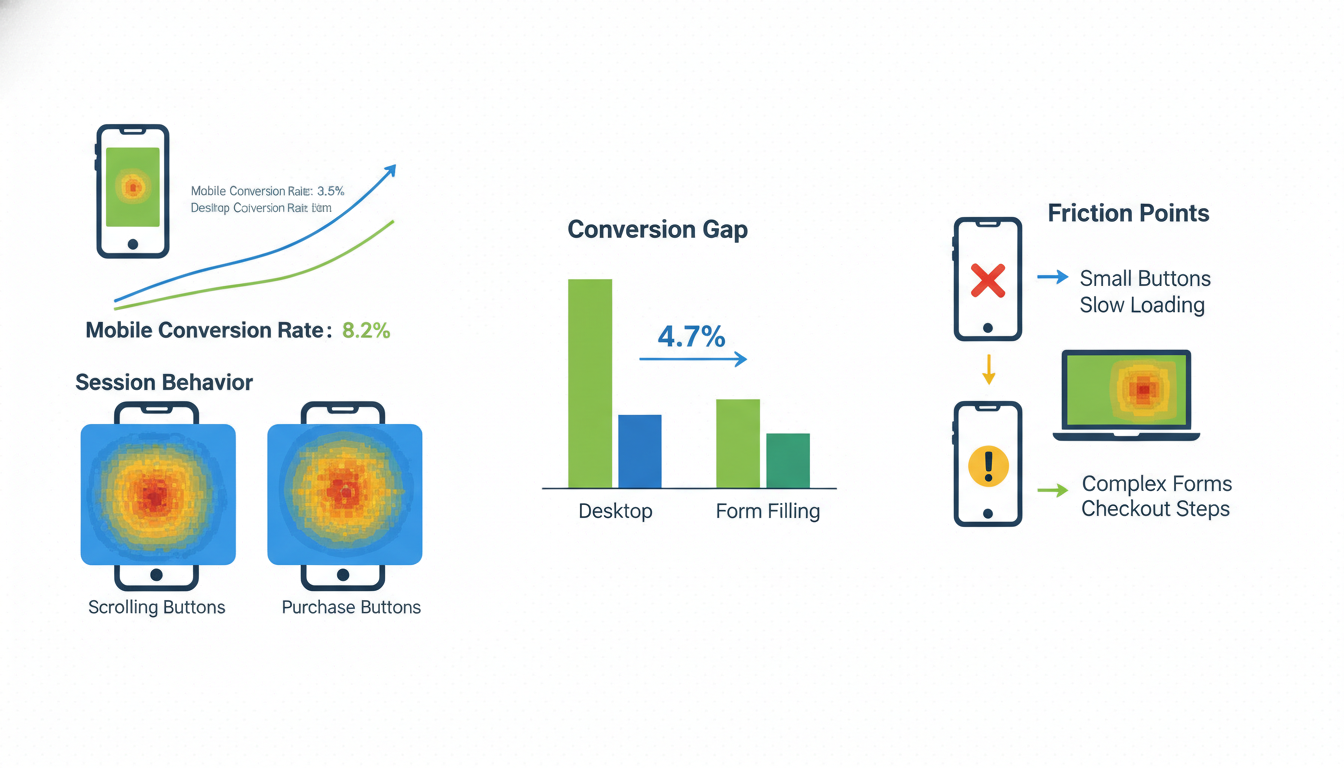
Shopify mobile vs desktop conversion is probably the biggest money leak in your store right now, and most operators do not measure it cleanly because Shopify Analytics blends device CR by default and the gap hides in plain sight. Mobile CR runs 60 to 70% of desktop CR across the 471 stores we audited in the last 12 months, even though mobile is 65 to 80% of sessions. So the biggest traffic slice converts the worst, and nobody notices until the blended number flatlines for a quarter. Part of the gap is structural (smaller screens, harder product evaluation on a 375px viewport) and that part is not going away. The fixable part lives in five specific places, and closing it moves blended revenue per session 8 to 15% inside a month. Best to find out which part is which before you spend another dollar on creative. The diagnostic takes 20 minutes.
- Mobile CR runs 60 to 70% of desktop CR across industries. The gap is structural plus fixable.
- Shop Pay + Apple Pay on mobile close roughly 40% of the checkout gap on their own.
- "Started on mobile, finished on desktop" skews attribution. Mobile is undercounted, desktop overcounted.
- Prioritize mobile checkout before mobile PDP. The checkout gap is where the revenue actually leaks.
The real gap: why mobile converts at 60-70% of desktop rate
Shopify mobile vs desktop conversion is the single widest diagnostic gap we see on audit. Across our 471-store sample, median desktop CR is 2.1% and median mobile CR is 1.3%. Mobile runs at 62% of desktop, give or take by industry. That is a 38% revenue leak sitting inside the biggest traffic slice. Most stores never look at it because Shopify Analytics shows blended CR by default, and the blended number only moves slowly when device performance shifts.
The gap has two components. The structural one is real: a 375px screen is genuinely worse for product evaluation than a 1440px screen. That part is maybe 30 to 40% of the total and you cannot engineer it away. The fixable part is the other 60 to 70%, and it lives in mobile checkout, mobile page speed, and payment method share.
Below mobile CR at 0.8%, the problem is usually tracking or a broken mobile checkout step, not the product page. Above 2.0%, the store is doing something unusual or mobile traffic is unusually high-intent. The healthy middle for most Shopify stores is mobile CR between 1.0% and 1.8%, scaled by industry.
Mobile CR benchmarks by industry
Shopify mobile conversion rate varies more by industry than by anything else, and the gap to desktop also varies. Food and apparel have the tightest gaps because the decision is fast and the cart is small. Electronics and home goods have the widest gaps because buyers refuse to make a $200 decision on a phone. The table below comes from the same 471-store sample we use for all our benchmarking work, rolling 12-month window to March 2026.
| Industry | Mobile CR (median) | Desktop CR (median) | Mobile/Desktop ratio |
|---|---|---|---|
| Apparel and fashion | 1.8% | 2.6% | 69% |
| Beauty and personal care | 2.0% | 3.1% | 65% |
| Supplements and wellness | 1.3% | 2.1% | 62% |
| Home goods and decor | 1.2% | 2.3% | 52% |
| Electronics and accessories | 0.7% | 1.6% | 44% |
| Food and beverage | 2.5% | 3.4% | 74% |
| Pet products | 1.8% | 2.9% | 62% |
Food and beverage runs the tightest ratio (74%) because session intent is already high and cart values are small. Electronics runs the worst (44%) for the opposite reason. A $195 AOV on a 375px screen is a wall. Buyers research on mobile and return on desktop to finish. Home goods sits in the same bucket (52%) for the same reason.
If your store is in apparel and your mobile CR is 1.1%, you are below median. If your store is in electronics and your mobile CR is 0.8%, you are right on median. Same absolute number, two different diagnoses. Always cut by industry first. For the full cross-industry view see our 2026 conversion rate benchmarks by industry.
Where mobile actually wins (and why it matters)
Mobile ecommerce conversion is not uniformly worse than desktop. In a few specific places it wins outright, and those places tell you where the gap is actually closeable. Session volume is the most obvious one. Mobile is 65 to 80% of sessions across our sample, which means fixing mobile CR by even 0.2 points moves more revenue than fixing desktop CR by 0.5 points. The math is simple: the biggest traffic slice has the biggest impact, even when its conversion rate is worse.
Mobile also wins on a few engagement metrics. Add-to-cart rate on first-session mobile traffic runs 10 to 20% higher than desktop on most stores, because the "save for later" psychology on mobile is "throw it in the cart and come back." The cart fills on mobile. The problem is what happens after. Cart abandonment on mobile is 75 to 82% across our sample, versus 65 to 72% on desktop. Fill rate is higher, finish rate is lower. That is where the revenue hides.
Shop Pay-authenticated sessions on mobile convert at nearly desktop rates. Not the overall mobile number, the Shop Pay subset. When a buyer has Shop Pay recognizing them on mobile, the three frictions that kill mobile checkout (typing an address, entering card details, confirming payment) collapse into one tap.
The takeaway for desktop vs mobile ecommerce: mobile is not broken everywhere. It is broken in specific places, mostly downstream of the cart.
The 5 fixable causes of the mobile gap on Shopify specifically
The fixable part of the Shopify mobile vs desktop conversion gap lives in five places. Not thirty. We have run this diagnostic on 200+ stores and the same issues show up in roughly the same order. Fix them in order and you recover 60 to 70% of the closeable gap inside a month.
-
Shop Pay not enabled or not prominent. About 1 in 4 stores we audit has Shop Pay disabled or buried below other payment options. It should be the top button on the cart drawer, not the fifth option on checkout. Enabling Shop Pay and moving it above the fold on cart closes 30 to 40% of the mobile checkout gap by itself.
-
Shipping cost revealed too late. The #1 cart abandonment reason on mobile is "unexpected shipping cost at checkout." Shopify shows shipping on the last step by default. Best to show estimated shipping in the cart drawer, before checkout starts. A simple cart-drawer shipping estimator takes under an hour to set up and lifts mobile checkout CR 5 to 9% on its own.
-
Form fields that require zooming. On a 375px screen, any input field under 16px text size triggers iOS auto-zoom, which jerks the viewport sideways and breaks the flow. Buyers bail. Make every form field 16px or larger. This is a 15-minute CSS fix that most stores have never made. Apple's guidance is in the Safari Web Content Guide.
-
Slow PDP on mobile. Desktop and mobile site speed are different metrics and need separate diagnostics. The Largest Contentful Paint (LCP) on mobile PDPs in our sample averages 3.8 seconds, well above the 2.5s "good" threshold. Every 100ms of mobile LCP improvement correlates with a 0.6 to 1.2% CR lift. Hero images, review widgets, and tracking scripts are the usual culprits.
-
Cart drawer vs cart page mismatch. Mobile buyers expect a drawer, not a page redirect. A full cart page on mobile is a dead-zone: buyers lose momentum and bounce. A well-built cart drawer with visible shipping, visible Shop Pay, and upsells holds the mobile buyer in the decision moment. Moving from cart page to cart drawer on mobile alone lifts AOV 15 to 22% in most audits.
None of these five is a moonshot. Each one ships in under a day. The stack closes most of the closeable gap. The structural part stays where it is, and that is fine.
Payment-method share: Shop Pay + Apple Pay on mobile
Payment method share is the lever most Shopify operators never look at, and it quietly runs the mobile story. On desktop, payment method does not matter much because typing a card number on a laptop is not a friction point. On mobile, it is the entire game. The buyer is one tap from finishing or one tap from bailing, and which button they see first decides it.
Mobile payment-method share in our audit sample (median across stores):
| Payment method | Mobile share | Mobile checkout CR |
|---|---|---|
| Shop Pay | 38% | 71% |
| Apple Pay | 18% | 68% |
| Credit card (manual entry) | 29% | 42% |
| PayPal | 11% | 58% |
| Other (Klarna, Afterpay, G Pay) | 4% | 54% |
Shop Pay and Apple Pay combined account for 56% of mobile payments and convert at nearly double the rate of manual card entry. The reason is obvious on a session recording. Shop Pay buyers tap once, done. Manual card buyers hit the card field, switch keyboards, mistype, and 42% of them give up somewhere in that flow.
The practical move is to enable Shop Pay, enable Apple Pay (Shopify Payments handles this automatically on most plans), and make them both the top buttons on the cart drawer. Not the checkout page, the cart drawer. A buyer who sees Shop Pay on the cart drawer finishes 71% of the time. A buyer who reaches the checkout page and sees Shop Pay there finishes 58% of the time. That extra click costs 13 points. Shopify's own data backs this up (see Shopify's Shop Pay product page).
Best to check payment-method share in Shopify Analytics (Reports, Sales by payment method, segment by device). If Shop Pay share on mobile is below 30%, you have a prominence problem, not a demand problem. Buyers use Shop Pay when they see it.
Mobile attribution and the "started on mobile, finished on desktop" problem
Mobile attribution is where the Shopify mobile vs desktop conversion numbers get genuinely misleading, and it is worth understanding before you make budget decisions based on device CR alone. The "started on mobile, finished on desktop" pattern is real and it runs about 15 to 25% of purchases in most stores. Buyer sees the ad on Instagram at lunch, taps through to mobile PDP, adds to cart, does not finish. Comes back that evening on a laptop, searches the brand name, finishes the purchase. Shopify and GA4 both count that as a desktop conversion. Mobile gets credit for zero of it.
So the reported desktop CR is inflated and the reported mobile CR is deflated. Our sample shows 12 to 18% of desktop orders had a prior mobile session within 48 hours. Re-attribute those to mobile and mobile CR rises by about 0.2 points while desktop CR falls by 0.3. The gap closes roughly 25% on paper, without fixing anything in the store.
The practical implication: when you measure a mobile CRO fix, do not track mobile CR in isolation. Watch blended RPS and device CR together. If a mobile fix raises mobile CR by 0.1 points and desktop CR drops by 0.2 points in the same window, the fix worked. The mobile buyers who used to switch to desktop are finishing on mobile now.
For the tracking side, see our guide on Shopify attribution models in 2026. First-party identification (Shop Pay, Klaviyo logged-in sessions, email captures) is the only way to see cross-device journeys cleanly.
When to prioritize mobile fixes over desktop
The prioritization question comes up on every audit. A store has a dozen CRO projects on the roadmap and wants to know which to ship first. For most Shopify stores the answer is mobile, but not always. Here is the decision tree we run.
Prioritize mobile fixes first when any of these are true:
- Mobile traffic is 60%+ of sessions (true for 90%+ of DTC Shopify stores in 2026).
- Mobile-to-desktop CR ratio is below 60% (mobile is converting at less than 60% of desktop rate).
- Mobile checkout CR is more than 10 points below desktop checkout CR.
- Shop Pay share on mobile is below 30%.
Prioritize desktop fixes first when any of these are true:
- Desktop traffic is 50%+ of sessions (rare, usually B2B or high-consideration industries).
- Desktop CR is below industry median but mobile CR is at or above median.
- Checkout extensibility rollout on Plus is mid-migration and desktop needs to stabilize first.
- AOV is $300+ and most orders finish on desktop by natural buyer preference.
For most DTC Shopify stores in 2026, the first list applies and the priority is mobile. Specifically mobile checkout, then mobile page speed, then mobile PDP. The reason to do checkout before PDP is counterintuitive but holds up in the data. A better mobile PDP sends more buyers into a broken mobile checkout and they still bail. Fix downstream before upstream.
The exception is when mobile PDP load time is above 4 seconds. Above 4s, page speed is the blocker and nothing downstream matters until the page loads. Check your mobile LCP in Google PageSpeed Insights before you decide which fix goes first. It is a 2-minute check that settles most roadmap debates.
Frequently asked questions
Why is my mobile conversion rate so much lower than desktop on Shopify?
What is a good mobile conversion rate for Shopify in 2026?
How much does Shop Pay actually improve mobile conversion?
How do I measure "started on mobile, finished on desktop" on Shopify?
Should I build a mobile-only Shopify theme?
What's the single biggest mobile conversion fix I can ship this week?
Shopify mobile vs desktop conversion is mostly about where in the funnel the gap lives, not how wide it looks on the blended dashboard. Mobile CR at 60 to 70% of desktop is normal. Below 50% is a leak, and the leak is almost always in checkout, not on the product page. Best to pull your 90-day CR by device, check checkout CR by device, and compare to the industry median above. If the checkout gap is wider than the site CR gap, the five fixable causes are where the work is: Shop Pay prominence, shipping reveal timing, form zoom, mobile PDP speed, and cart drawer. Ship in order, measure blended RPS pre and post on a 4-week window, and the closeable gap closes.
Get a full X-ray of your ad account
Paste your Meta and Google Ads. See exactly where signal is leaking. Free. 60 seconds.