A framework for creative testing on Shopify Meta ads
 By Dror Aharon
·
CEO, COREPPC
·
Updated April 17, 2026
·
11 min read
By Dror Aharon
·
CEO, COREPPC
·
Updated April 17, 2026
·
11 min read
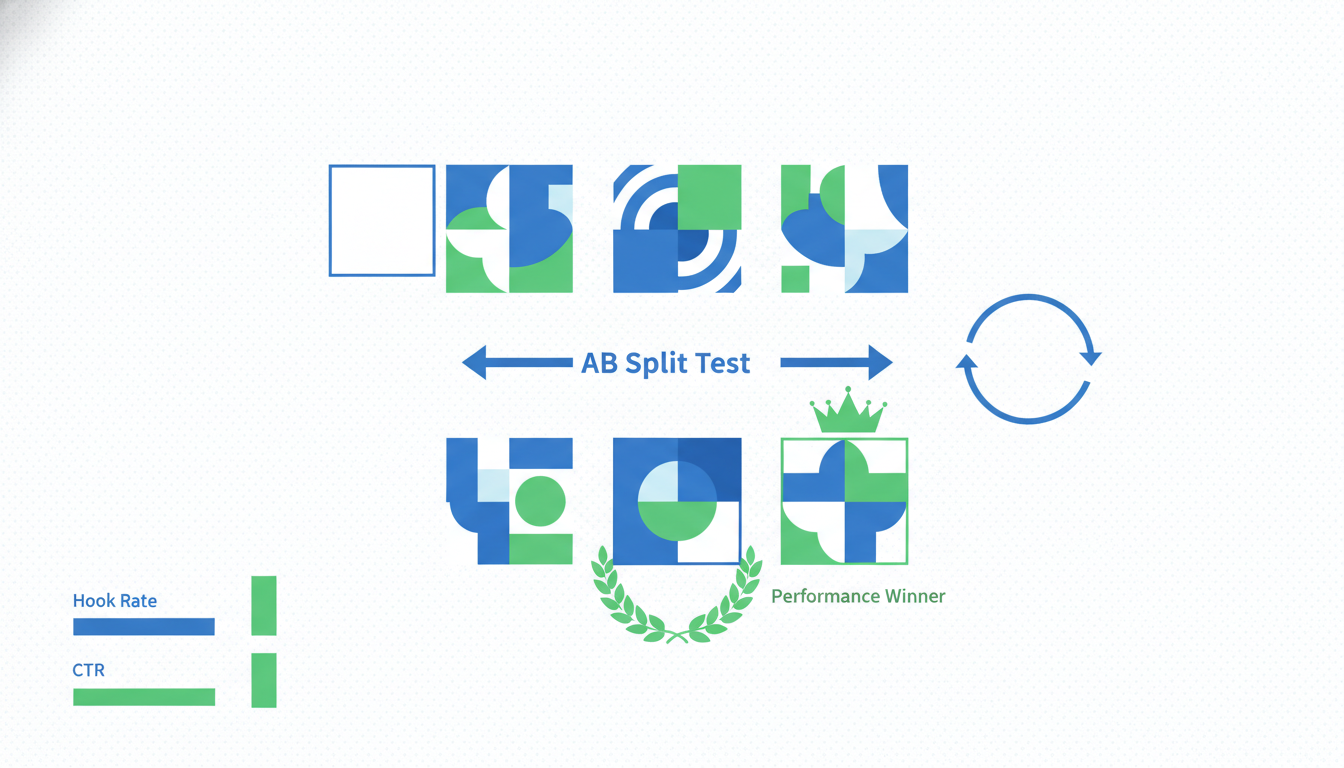
Most Shopify stores "test creative" by uploading five random ads into one ad set, waiting a week, and picking whichever one spent the most. That is not a test. That is a budget donation to Meta with extra steps. Real creative testing on Shopify Meta ads needs structure, because the algorithm is noisy, budgets are small, and the learning phase eats most of your signal before you see it. The 2-2-2 framework fixes that. Two hooks, two angles, two formats, eight creatives total per round, isolated so you can actually read the winners. Budget math, kill rules, and iteration cadence are all downstream of that structure. Get the structure right and you compound learnings instead of restarting from zero every month. Get it wrong and you keep spending $3k to $8k a month to learn nothing. The fix is testing discipline, not more creative talent.
- Run 2 hooks × 2 angles × 2 formats = 8 creatives per test round, one ad set.
- Budget: $50 to $100/day per ad set for 7 days minimum to clear the learning phase.
- Kill a creative only after 2,000 impressions OR 1 full day under 0.5% CTR.
- Document every test in a shared sheet or Meta Ads Library so winners compound.
Why most Shopify creative testing wastes budget
We audit roughly 40 Shopify stores a month and the creative testing process looks nearly identical across all of them. Upload five or six ads. One ad set. Let it run for four days. Pause the bottom two. Wonder why ROAS did not move. Repeat next month with a different batch. That is not testing. That is rolling dice on eight grand a month and calling it learning.
The core problem is that "creative" hides at least three stacked variables, not one: the hook (the first 1.5 seconds), the angle (what promise the ad makes), and the format (static, UGC video, motion graphic, carousel). Throw five random creatives into one ad set and you are testing all three variables at once with a sample size of five. Winning creative number 3 could have won because of the hook, the angle, the format, or plain luck. Next month you make "more like number 3" and it flops, because you copied the wrong variable.
Second problem: the learning phase. Meta needs roughly 50 conversions per ad set per week to optimize properly. On a $5k/month budget across four ad sets, you are splitting signal four ways and nothing clears the threshold. Every ad set runs in "learning limited" purgatory all month. The dashboard shows numbers. The numbers are noise.
Third problem: no documentation. Store runs a test, picks a winner, deletes the losers, never writes down what the hook or angle was. Six months later the same store tests the same losing angle again because nobody remembered. Compounding learnings is how good brands beat bigger budgets. Without a log, every month is month one.
Best to fix all three before buying another round of creative.
The 2-2-2 framework: 2 hooks, 2 angles, 2 formats
The 2-2-2 framework is the smallest possible test that still gives you readable signal. Two hooks multiplied by two angles multiplied by two formats equals eight creatives. You run all eight in one ad set so Meta's algorithm compares them against the same audience at the same time.
Here is how to build each axis.
Two hooks. The hook is the first 1.5 seconds of the ad. For static it is the top third of the image. For video it is the opening frame and first spoken word. Pick two hooks that contrast hard. Hook A: problem-first ("Your skincare routine has too many steps"). Hook B: result-first ("I haven't broken out in 4 months"). Do not test hook A against a slightly different version of hook A. Make them obviously different so the winner is readable.
Two angles. The angle is the promise the ad makes. For a skincare brand running $90 AOV, angle 1 might be "one product replaces your whole routine" (simplicity). Angle 2 might be "dermatologist-formulated for sensitive skin" (credibility). Again, contrast hard. If both angles are basically "it works well" you have one angle with two wordings, which teaches you nothing.
Two formats. Format 1: static image with copy overlay. Format 2: 15 to 30 second UGC video. These are the two formats that carry Shopify stores in 2026. Carousels and motion graphics are worth testing later but not in your first 2-2-2 round. Keep the format choice binary so you can actually read the result.
Multiply: 2 × 2 × 2 = 8 creatives. Load all 8 into a single Advantage+ Shopping ad set with a broad audience. No interest targeting. Let the algorithm pick winners. After 7 days you will see which combination converts, and because you only varied three axes in a structured grid, you can read which axis drove the lift.
That last part matters. If the winning ad is Hook B + Angle 1 + Video, and the second-best is Hook B + Angle 2 + Static, the common variable is Hook B. That is your real learning. Next round you test Hook B against a new Hook C and keep moving.
Budget per creative test: the learning-phase math
Meta's learning phase needs 50 conversions per ad set per week to exit "learning limited" status and stop showing noisy numbers. On Shopify, that math breaks down fast on small budgets.
Start with your CPA. If it is $25, 50 conversions costs $1,250 per week, or roughly $180/day for the ad set. If it is $50, that is $2,500 per week, or $360/day. Most small Shopify brands cannot run that budget on a single test ad set without bleeding the rest of the account dry.
The honest answer: if you cannot hit 50 conversions in 7 days, the per-creative numbers will not be statistically meaningful. You are choosing winners from noise. That does not mean do not test. It means lower your ambitions about what a single test proves and lean on structural signal (which axis won across multiple tests) instead of crowning one "winner" ad.
Rough budget by spend tier:
- Under $20k/month Meta spend: $50 to $75/day on the test ad set, 7 day minimum, directional signal only.
- $20k to $50k/month: $100 to $200/day, 7 days, readable signal on the top 2-3 creatives.
- Over $50k/month: $300+/day, 7 days, full conversion-based significance on most creatives.
Two things stretch the budget. First, optimize for Add to Cart for the first 3 days, then switch to Purchase once enough ATC data lands. ATCs happen 8 to 12x more often than purchases so you clear the learning phase faster. Second, kill obvious losers early (see kill rules below) so the remaining budget concentrates on creatives that have a shot. Do not let a 0.2% CTR ad drink $40 a day for the principle of it.
Meta's own A/B test tool is worth knowing but not great for this workflow. It locks you into equal budget splits and measures significance using conversion volume that small stores rarely hit. The manual approach (all 8 creatives in one ad set, algorithm picks, you read the pattern) gives you more usable signal on a Shopify budget.
Statistical significance on ecom budgets (the honest answer)
Here is the part nobody wants to hear: if you are spending under $10k/month on Meta, you almost never have enough purchase volume for real per-creative significance. A 95% confidence CTR test between two creatives with a 3% baseline, detecting a 20% relative lift, needs around 4,500 impressions per variant. For purchase significance at $25 CPA, you need 200+ conversions per variant. On a $5k/month budget spread across 8 creatives, you will not get there inside a month.
So what do you actually do? Rely on directional signal, not statistical proof. If Creative A has a 2.1% CTR over 3,000 impressions and Creative B has a 0.6% CTR over 3,000 impressions, you do not need a t-test to tell you Creative B is losing. Kill it, move on.
For close calls (Creative C at 1.8% CTR vs Creative D at 1.6% CTR), the honest answer is you do not know yet. Keep both another week, or merge budget into whichever has lower CPA. Do not agonize over 10% differences on 200 conversions. That is noise.
Rank creatives by metric in this order:
- CPA (cost per purchase) if you have 30+ purchases per creative. The only real answer.
- Cost per Add to Cart if you have 150+ ATCs per creative. Good proxy when purchases are thin.
- CTR and thumb-stop rate (3-second video views / impressions) below those thresholds. Tells you if the creative grabs attention, not if it converts.
The worst mistake is optimizing for CTR and declaring victory. A 4% CTR with 0.5% on-site conversion is worse than a 1.5% CTR with 4% on-site conversion. CTR is a proxy, not the goal.
When to kill a creative and when to give it another week
Kill rules, in order of use:
- Instant kill. 2,000 impressions, under 0.5% CTR: kill it. The hook is failing and no budget bump fixes a broken hook.
- Day-2 kill. 2 full days, 0 Add to Carts while another creative in the same ad set has 15+ ATCs: kill. Same audience, same time, clear signal.
- Day-5 CPA kill. CPA more than 2x your target after 5 days and 20+ clicks: kill. Might be decent top-of-funnel but the back half is broken.
- Frequency kill. Frequency above 3.5 in week one and CTR drops 40% from day 1: kill. Creative fatigue.
When to give it another week, even when numbers look ugly:
- CPA is 1.2 to 1.5x target but ROAS trend improves day over day. Algorithm still learning.
- CTR is modest (1.0 to 1.5%) but ATC rate is strong (above 5% of clicks). Hook is mid, angle works post-click.
- Creative is a new format for your brand (first UGC video, first long-form) and early numbers are weak. Give it 2,500 impressions before calling it.
The mistake is being too patient with obvious losers or too trigger-happy with slow burners. The rules above stop both. Write them down, stick to them, argue with them in 6 months once you have data, not in the moment.
Motion's creative analytics blog has good material on kill rules with larger budgets if you want to cross-reference. The core pattern holds across budget sizes, just the sample sizes shift.
Iteration cadence: what to test next after a winner
You found a winner. Hook B + Angle 1 + Video. Now what?
The wrong move is "make five more videos with that hook and angle and call it done." You just learned which direction works. The next test needs to stretch that direction until it breaks.
Round 2 cadence (week 2 after round 1):
- Keep the winning hook (Hook B). Test it against two new hooks (Hook C, Hook D) that are variations of the winning style but with different phrasing or visual treatment.
- Keep the winning angle (Angle 1). Test it against one adjacent angle (Angle 3) that sits in the same territory but from a different lens.
- Keep the winning format (Video). Test two new video variants: one shorter (6 to 10 seconds), one longer (30 to 45 seconds). You are learning how length affects conversion for this specific hook-angle combo.
That is 2 × 2 × 2 = 8 again. Same structure, narrowed territory, deeper learning. By round 3 you have a "winning zone" instead of a winning ad. That is the point.
Iteration cadence in total:
- Week 1: Round 1 (broad 2-2-2, contrasting options across all axes).
- Week 2: Round 2 (narrowed 2-2-2, keep winners, push variations).
- Week 3: Round 3 (iteration on winning zone, test new angles adjacent to winner).
- Week 4: Scale the winners. Move to Advantage+ Shopping with the winning creative set, raise budget 20% every 3 days while CPA holds.
Most Shopify brands should run 3 to 4 rounds per quarter on a single hero product, not 15 rounds per month on random creatives. Brands that win at Meta are not the ones with the most creative output. They test the same territory methodically for 6 weeks, end up with 2 or 3 creatives that do 80% of revenue, scale them to $500+/day, and leave them alone.
Documenting tests so you actually compound learnings
None of this works without a log. Run 15 tests over a year, remember 3 of them, you are back to guessing. The log does not need to be fancy. A Google Sheet with one row per creative and these columns:
- Test round number, start date, end date
- Hook description (2 to 4 words), angle, format
- Impressions, CTR, thumb-stop rate, ATC rate, CPA, ROAS
- Ad set budget, audience (broad / interest / lookalike)
- Verdict: winner / middle / killed / inconclusive
- Notes: what surprised you, what to test next
Fill it in at the end of every round, not mid-run. Mid-run notes are noise.
Two patterns show up after 10 to 15 tests. Hooks that keep winning across rounds become your "hook templates" for future briefs. Give them to your video editor or UGC creator as a starting structure. Angles that keep losing across rounds stay off the roadmap for 6 months. Seasonality or positioning might change the answer eventually, short term they are a waste.
Creative brief templates are cheap and available but most are too long. Build your own from the winners in your log. 8 bullet points: who, what, why, hook style, angle, format, objection to address, desired feeling. Give that to creators and you will cut revision rounds in half.
The compounding effect is invisible in month 1 or 2. By month 4 you are building creatives with a 60% win rate instead of 15%, because you are no longer testing from zero. That is the actual moat on Meta. Not budget. Not fancy tools. A log and the discipline to fill it in.
Frequently asked questions
How many creatives should I test at once in one ad set?
How long should a creative test run on Meta?
Do I need a fresh audience for every creative test?
How much budget do I need to test creative properly on Meta?
What is a good CTR benchmark for Shopify Meta ads?
Should I use Meta's Advantage+ Creative features for testing?
Meta CAPI setup on Shopify is one of those fixes that looks small on the dashboard and compounds for months afterward. Dedup cleanly, raise EMQ above 8.5, validate in Test Events before you push live, and the algorithm finally has signal it can trust. That is when ROAS stops wobbling and budget scales predictably, instead of collapsing every time you push daily spend past the last tested ceiling. Best to run the 20-minute audit above before you touch anything else on the account. If the audit surfaces two or more of the problems in the "Why Shopify stores get CAPI wrong" section, fix those first, then revisit creative testing. The creative never was the problem, nine times out of ten the tracking was lying the entire time.
Get a full X-ray of your ad account
Paste your Meta and Google Ads. See exactly where signal is leaking. Free. 60 seconds.