First-party data on Shopify: what you own and why it matters
 By Dror Aharon
·
CEO, COREPPC
·
Updated April 17, 2026
·
11 min read
By Dror Aharon
·
CEO, COREPPC
·
Updated April 17, 2026
·
11 min read
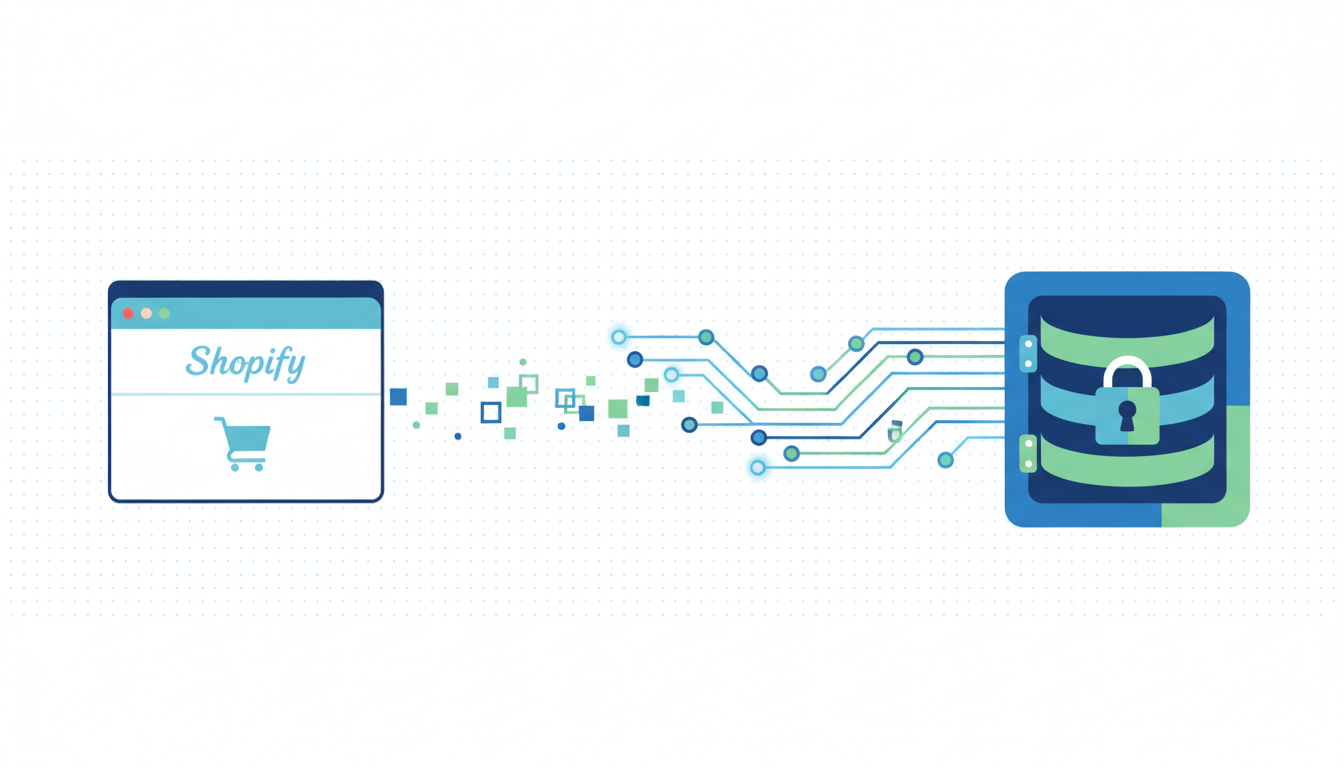
First-party data on Shopify is the one asset nobody can take away from you, and it is the single biggest lever for ad performance in 2026 now that third-party cookies are basically gone. Shopify captures eight fields natively on every order (email, phone, name, address, customer ID, order ID, purchase value, product list) and you own all of them. The problem is that most stores sit on this data without activating it. It never reaches Meta, never reaches Google, never enriches Klaviyo segments, so the ad algorithms optimize on half the signal they should and the email flows target everyone the same way. Activation is a one-afternoon job if you already have the Facebook and Instagram app, Google Ads conversion tracking, and Klaviyo installed. The lift is 30 to 40% on blended ROAS and noticeably tighter email revenue. The data is already sitting there. You just have to plug it in.
- Shopify captures 8 first-party fields on every order. You own them.
- Meta CAPI uses hashed email, phone, name, and external_id for EMQ 8.5+.
- Google Enhanced Conversions wants hashed email and phone on every conversion.
- Klaviyo syncs order history and product affinity straight from Shopify.
What first-party data means on Shopify in 2026
First-party data on Shopify is anything the customer gave you directly through the store. Email at checkout, phone at checkout, shipping address, the products they bought, the order value, the customer ID Shopify assigns them. That is it. You collected it, they consented to it by completing the purchase, and nobody else has a claim on it. Third-party data is the opposite: behavior stitched together by tracking pixels across other websites, sold through data brokers, leased from ad platforms. That stuff is mostly gone in 2026. Safari and Firefox killed the third-party cookie years ago, Chrome finally followed through in Q1 2026, and iOS tracking consent is at roughly 23% opt-in industry-wide.
So what actually works now? Your own customer data, sent directly to the ad platforms through their server APIs. That is the whole game. Meta's Conversions API, Google Enhanced Conversions, and Klaviyo's Shopify sync all run on the same inputs: hashed email, hashed phone, customer ID, purchase value. Shopify hands these to you for free on every order. Most stores just never plug them in.
The shift is practical, not philosophical. Shopify first party tracking stopped being a "nice to have for privacy reasons" sometime in 2024 and became the default signal most ad algorithms optimize on. If you are running Meta ads, Google ads, or email flows on a Shopify store in 2026 and you are not activating first-party data, you are flying blind and paying for it. The rest of this piece is a concrete walk through what Shopify gives you and how to turn each piece of it on.
The 8 first-party fields Shopify actually captures
Here is the exact list Shopify captures on every order, with no apps installed, no custom code, no Shopify Plus required. These are the fields you own:
- Email (customer email, captured at checkout, required field).
- Phone (optional at checkout unless you make it required in settings).
- First name and last name (captured as two fields on the shipping form).
- Shipping address (street, city, state/region, postal code, country).
- Customer ID (Shopify's internal numeric ID, stable across orders for the same customer).
- Order ID (unique per transaction, the same ID you use as event_id for Meta dedup).
- Purchase value and currency (the total, including tax and shipping, broken out).
- Product list (variant IDs, titles, quantities, unit prices, plus the full line_items array).
That is the core eight. Shopify also captures client IP, user agent, accepts_marketing (consent flag), order notes, discount code used, and landing site URL with full UTM parameters. Those enrichment fields are available in the order JSON and you can pipe them anywhere.
Two things worth underlining. First, Shopify hashes nothing for you automatically. When you send these fields to Meta or Google, you hash with SHA-256 on your end (or the official app does it for you). Second, every field is available through the Admin API and through the Customer Events API, so you are not locked into a single export path.
Honestly, this list is more than most stores need. The wins come from activating four or five fields cleanly. Email + phone + customer ID gets you 80% of the lift across all three platforms below.
Activating first-party data for Meta CAPI match keys
Meta Conversions API eats first-party data for breakfast. Event Match Quality (the 0 to 10 score Meta gives each event) is calculated almost entirely from the match keys you send. Send nothing and EMQ sits around 4, which is basically guessing. Send email + phone + customer ID + name and EMQ climbs to 8.5 or higher, which is where Advantage+ Shopping campaigns actually start scaling instead of wobbling.
The setup path on Shopify is short if you use the official channel:
- Install the Facebook and Instagram app from the Shopify App Store (if it is not already connected).
- Inside the app, open Data sharing settings. Set it to Maximum, not Standard. This is the toggle most stores miss.
- Confirm the correct pixel ID is selected and that the Conversions API toggle is green.
- Enable checkout phone collection in Shopify settings (Checkout, Customer information, Phone number required).
- Validate in Events Manager under Test Events. Run a test purchase, look for both "Browser" and "Server" rows with a dedup note.
The Maximum vs Standard setting is the single biggest lever here. Standard strips hashed email and phone out of the server payload before it reaches Meta, which caps EMQ around 6 no matter what else you do. Maximum sends the hashed fields. That one toggle moves EMQ by 1.5 to 2 points on its own.
For stores running a custom CAPI pipeline (Stape, server-side GTM, direct API call from a Shopify Function), the match keys to send on every Purchase event are: em (hashed email), ph (hashed phone), external_id (Shopify customer ID), fn and ln (hashed first and last name), plus client_ip_address and client_user_agent. All of these come straight from Shopify's order object. You do not invent any of them.
Activating for Google Enhanced Conversions
Google Enhanced Conversions is Google's version of the same idea: take the first-party data you already collected at checkout, hash it, and attach it to the conversion event so Google can match it against signed-in user data on its side. The payoff is roughly 5 to 10% more recovered conversions in Google Ads reporting, plus better Smart Bidding signal because the algorithm now sees conversions it was missing before.
Two paths to turn it on, both valid:
- Google tag (gtag.js) on the thank-you page with Enhanced Conversions enabled in Google Ads. Simpler, browser-side, works out of the box on most themes.
- API-based Enhanced Conversions through the Google Ads API. More reliable, server-side, bypasses ad blockers and browser restrictions. Needs a developer or a managed sGTM instance.
For most Shopify stores below $50k a month in Google Ads spend, path 1 is fine. Above that spend level, path 2 pays for itself within a month because the recovered conversion count is meaningfully higher on server-side. Google's walkthrough is on the Enhanced Conversions setup guide.
The fields Google wants are basically the same as Meta: hashed email (the single biggest lever), hashed phone, first and last name, and the billing address. Shopify captures all of them at checkout, so the activation is a plumbing job, not a data collection job. Most stores already have the data. The question is just whether the tag is sending it.
One gotcha. If you are running Consent Mode v2 (which you should be if you have any EU or UK traffic), Enhanced Conversions only fires for users who granted ad_storage consent. Users who denied consent send pinged signals instead, which still help modeling but do not carry the hashed PII. That is the correct behavior, not a bug.
Syncing to Klaviyo and using it for segmentation
Klaviyo is the easy one. The native Shopify integration syncs order history, customer profiles, product catalog, and browsing behavior automatically once you connect the store. No hashing on your end, no API calls to write. Klaviyo does it all.
What you actually get, out of the box:
- Full purchase history per customer, with line items and order values.
- Product catalog with prices, inventory, and variant images.
- Predictive analytics (CLV, churn risk, next order date) calculated on your data.
- Viewed Product, Added to Cart, Started Checkout events through the Klaviyo JS tag.
- Customer properties (total spent, first order date, last order date, tag list).
The activation layer most stores skip is segmentation. Klaviyo will sync the data whether you use it or not. The revenue shows up when you build flows and segments that actually touch the data. Three that move the needle most:
- VIP segment: customers with 3+ orders AND total spent > $300. Exclude from prospecting ads, include in early-access launches. Worth roughly 15 to 25% of Klaviyo revenue on most stores.
- Replenishment flow: for consumable products, trigger an email at 80% of the expected reorder interval (pulled from Klaviyo predictive analytics or calculated from the last order date). 25 to 35% open rates, 8 to 12% CTR on most stores.
- Winback flow: customers who have not ordered in 90 days AND have opened an email in the last 30. Discount offer. This flow alone typically recovers 3 to 5% of churned revenue.
Klaviyo's Shopify integration guide covers the technical sync. The segmentation piece is on you and your email strategist, and it is where the money actually shows up.
One pattern worth naming. Klaviyo pushes segment audiences to Meta and Google as custom audiences through its ad integrations. That closes the loop: Shopify data into Klaviyo, Klaviyo builds segments, segments push to Meta and Google as audiences. Same data, three destinations, synced nightly.
Customer Events API: Shopify's own first-party layer
The Customer Events API (formerly called Custom Pixel in the admin) is Shopify's own sandboxed tracking layer. It sits between the shopper's browser and the ad platforms, which matters because Shopify Checkout Extensibility (the new checkout that all stores migrated to by mid 2024) no longer lets you inject arbitrary JavaScript directly. The Customer Events API is the only sanctioned way to send checkout events to third parties now.
What lives inside it:
- Standard events:
checkout_started,checkout_completed,product_viewed,cart_viewed,payment_info_submitted, plus around 15 others. - The full order payload on
checkout_completed, including line items, totals, customer info, shipping address. - A sandboxed JavaScript environment where you write a small pixel code snippet that listens for events and forwards them to a destination.
- Consent signaling through Shopify's Customer Privacy API, so the pixel only fires when the shopper has granted tracking consent.
The typical use case: you write a pixel code Shopify API script that listens for checkout_completed, extracts the order data, and sends it to Meta, Google, Klaviyo, or your own server. The Facebook and Instagram app already does this under the hood for Meta. For anything custom (LinkedIn Insight Tag, TikTok Pixel, Pinterest Tag, your internal data warehouse) you write your own Customer Events pixel.
Shopify's Customer Events API reference has the full schema and event list. The short version: if you need to send first-party data out of Shopify to a destination that does not have a native app, this is the channel. Do not touch theme.liquid with inline fbq or gtag calls anymore. Those break Checkout Extensibility and Shopify will reject them on new themes.
One thing worth flagging. The Customer Events API runs in a sandbox, which means you cannot access the global window object from the storefront. You read event data, emit network calls, that is it. No DOM manipulation, no third-party SDK loaded in storefront context. The sandbox is why it works reliably: it cannot break your theme or your checkout.
Privacy posture: what you should and should not do
A quick reality check on what is actually legal and what is just a habit people copied from 2019.
You should:
- Hash PII (email, phone, name) with SHA-256 before sending to ad platforms. Meta and Google both require this.
- Run Consent Mode v2 if you have any EU, UK, or Swiss traffic. Shopify has native support through the Customer Privacy API.
- Honor opt-out signals. If a shopper opts out of tracking, the hashed fields do not get sent. Modeled conversions still help the algorithm, hashed PII does not.
- Document your data flows. A one-page internal memo showing "Shopify captures X, sends to Y, Z days retention" is enough for most privacy reviews.
You should not:
- Send raw unhashed PII to any ad platform. This is a policy violation with Meta and Google and it exposes you on GDPR.
- Store ad platform user IDs in your own database without a clear purpose. Meta's
fbpcookie and Google's_gcl_aware operational, not analytics gold. - Use first-party data as a workaround for lack of consent. If a user denied tracking, denied means denied, even if you still have their email from a purchase.
- Share customer emails with third-party data vendors for "enrichment." This was common in 2019 and is basically a GDPR landmine now.
The one thing that trips up most operators: first-party data you collected for a transaction is not automatically consented for ad targeting. A shopper who bought a product gave you their email to fulfill the order, not to be retargeted. Meta CAPI and Google Enhanced Conversions are covered because they match-and-forget: the hashed value is used for matching, not stored for targeting. But if you export a raw customer list and upload it as a custom audience, that is a different legal bucket and you need a separate consent basis.
Best to default to "minimum viable data flow." Send what Meta, Google, and Klaviyo actually need to hit their match quality thresholds. Do not send everything just because you can. Less surface area, less risk, same performance.
Frequently asked questions
What counts as first-party data on a Shopify store?
Do I need Shopify Plus to activate first-party data for ads?
How do hashed fields actually work for ad platform matching?
[email protected] becomes [email protected] before hashing). Meta and Google both run the same hash on their side against the user identifiers they have on file. If the two hashes match, they know you and they are talking about the same person, without either side seeing the raw email. That is the whole trick: the hash is deterministic but one-way, so matching works without exposing the underlying data. Shopify's native apps do the hashing for you. Custom pipelines hash before sending.Can I use first-party data to build lookalike audiences on Meta?
What is the difference between the Customer Events API and the old custom pixel?
fbq or gtag in theme.liquid) stopped working on the new checkout. The Customer Events API is now the only sanctioned channel for custom pixel code Shopify API integrations. If you see an old guide telling you to paste a Meta pixel snippet into checkout.liquid, that guide is pre 2024 and does not apply anymore.How often does Klaviyo sync Shopify first-party data?
Meta CAPI setup on Shopify is one of those fixes that looks small on the dashboard and compounds for months afterward. Dedup cleanly, raise EMQ above 8.5, validate in Test Events before you push live, and the algorithm finally has signal it can trust. That is when ROAS stops wobbling and budget scales predictably, instead of collapsing every time you push daily spend past the last tested ceiling. Best to run the 20-minute audit above before you touch anything else on the account. If the audit surfaces two or more of the problems in the "Why Shopify stores get CAPI wrong" section, fix those first, then revisit creative testing. The creative never was the problem, nine times out of ten the tracking was lying the entire time.
Get a full X-ray of your ad account
Paste your Meta and Google Ads. See exactly where signal is leaking. Free. 60 seconds.