What Shopify actually shares with Meta and Google
 By Dror Aharon
·
CEO, COREPPC
·
Updated April 17, 2026
·
11 min read
By Dror Aharon
·
CEO, COREPPC
·
Updated April 17, 2026
·
11 min read
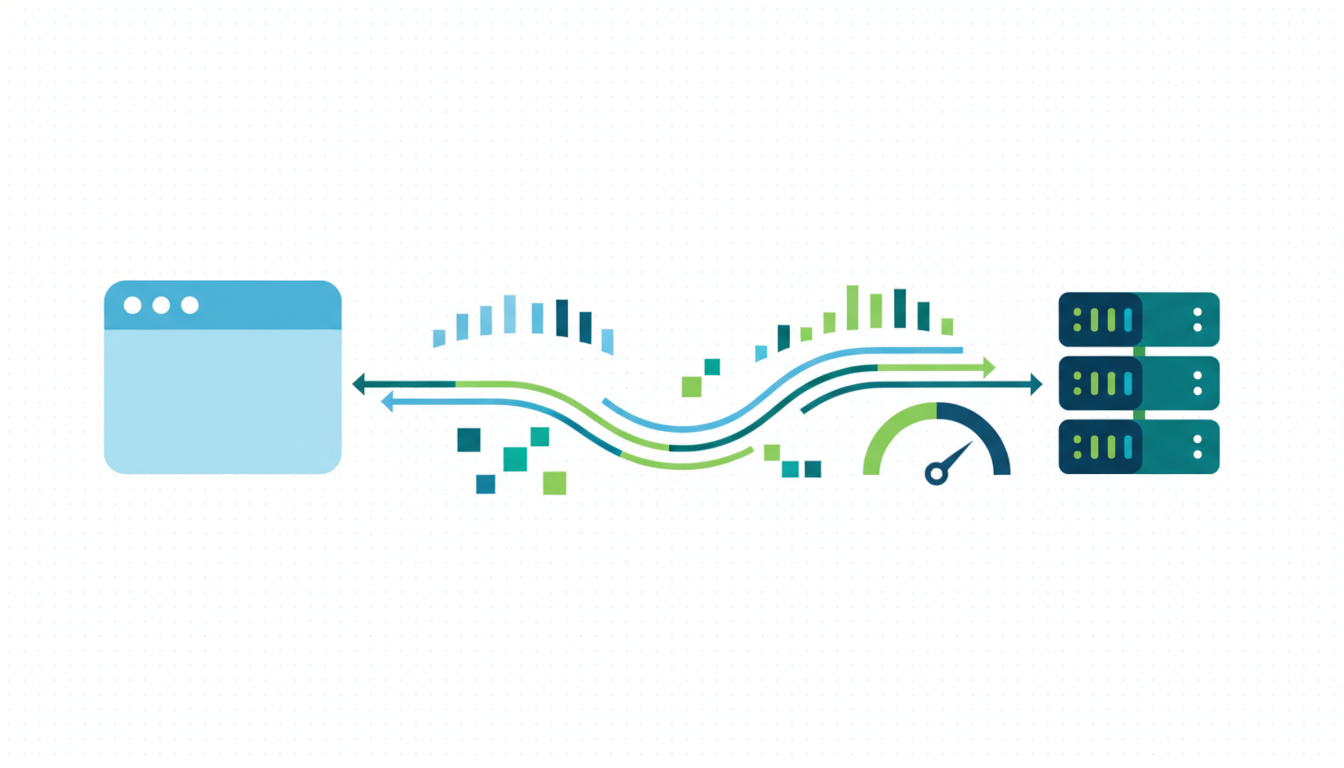
Shopify bandwidth pixel data is the stream of customer and event fields Shopify quietly sends to Meta and Google on your behalf every time a shopper completes a purchase, adds to cart, or views a product. Most operators never open the settings page where the volume knob lives. The default setting, "Standard", strips hashed email, phone, and external ID from the server payload before it reaches the ad platforms, which caps your Event Match Quality score somewhere around 5 to 6. Flip the toggle to "Maximum" and EMQ climbs 1.5 to 2 points inside a week, which is the difference between Advantage+ Shopping burning budget on learning and Advantage+ Shopping actually converting at scale. The privacy tradeoff is real and worth understanding, not hiding from. This guide walks through what each setting sends, what Maximum adds, when flipping it is safe, and when it is not.
- Standard sharing strips hashed PII before the server payload reaches Meta and Google.
- Maximum sharing adds hashed email, phone, and external_id, which lifts EMQ 1.5 to 2 points.
- The toggle lives in Shopify admin under Settings, Customer privacy, Customer data sharing.
- Flip it only after you confirm your consent banner covers marketing cookies properly.
What Shopify actually sends to Meta and Google by default
Shopify's default "Standard" data sharing sends less than most operators assume. On the browser side the Meta pixel and Google tag fire like normal, which means they capture the cookie, user agent, client IP, and the basic event fields (product ID, value, currency). That part is predictable. The surprise is on the server side, which is where the Facebook and Instagram app and the Google and YouTube channel route events through Conversions API and Google's measurement endpoints. Standard mode sends the event itself and some non-PII context. It does not send hashed email, phone, external customer ID, first name, or last name. Those fields sit in Shopify's database the entire time. They just never leave.
That is the whole ballgame for match quality. Meta's Event Match Quality documentation lists the parameters the algorithm weighs, and hashed email alone is worth roughly +1.5 EMQ points on its own. Phone adds another 0.8. External ID adds 0.6. If Shopify is stripping those three fields before the payload leaves the server, your ceiling is somewhere around EMQ 5.5 no matter what else you do on the account. You can have perfect dedup, zero orphan pixels, a clean theme, and still cap out at a score that leaves Advantage+ Shopping essentially guessing. A lot of operators spend weeks debugging campaign structure before somebody asks the boring question: is the data sharing toggle on Standard or Maximum? Nine times out of ten it is Standard, because that is the default and nobody remembers flipping it.
Google's side is a near-mirror of the same problem. Enhanced Conversions and server-side Google Ads events behave similarly, though Google is slightly more forgiving because Google has its own first-party signal from Chrome and logged-in accounts. Meta has almost none of that, so Meta is more punished by the Standard default. Honestly, if you run Meta primary and Google secondary, the Maximum flip is worth roughly twice as much on Meta as on Google, though both benefit.
The Standard vs Enhanced vs Maximum data sharing toggle
Shopify ships three tiers inside Settings, Customer privacy, Customer data sharing. They are not labelled clearly and the copy reads like a compliance checkbox, which is part of why nobody flips the knob. Here is what each tier actually does, in plain terms.
Standard is the default. Browser pixel runs, server events go out with non-PII context (event name, value, currency, product IDs, timestamp, some IP and user agent fields), and that is it. No hashed email, no phone, no name, no external customer ID. This is the mode most stores run in, including stores spending $50k a month on Meta, because the toggle is buried under a privacy heading that sounds scary to touch.
Enhanced is the middle tier. It adds some browser-side customer data when the customer is logged into their Shopify account, but the server payload is still thin. In practice, Enhanced gives you maybe +0.3 to +0.5 on EMQ above Standard. It is the "we added a setting because people asked for more" tier. Not useless. Not the fix.
Maximum adds hashed email, hashed phone, hashed first and last name, and external customer ID to both the browser pixel payload and the server Conversions API payload. Meta's official customer information parameters reference shows what each of those fields does to the match algorithm. The short version: email is roughly +1.5, phone is +0.8, external ID is +0.6, name adds another +0.8 combined. You stack four to five point increases on Enhanced, which is why the jump from Standard to Maximum is so visible in the EMQ dashboard the week after you flip.
What Maximum sharing adds that Standard strips
The specific fields that appear in the payload after you flip to Maximum, and what each one does for match quality:
- Hashed email (
em). SHA-256 of the checkout email, lowercased and trimmed. Biggest single lever. Adds roughly 1.5 EMQ points on its own. Meta matches it against hashed emails in its graph, which is how it reconnects the ad click to the purchase when cookies are blocked. - Hashed phone (
ph). SHA-256 of the E.164 normalized phone number. Adds about 0.8. Only fires when you collect phone at checkout, which most Shopify stores do by default but some turn off. - Hashed first and last name (
fn,ln). SHA-256 of each, lowercased. Roughly +0.4 each. Cheap win. - External ID (
external_id). The Shopify customer ID. Adds about 0.6 and stacks cleanly with email. Meta uses this to tie repeat purchases to the same person across sessions, which matters a lot for subscription and repeat-buyer stores. - Client IP and full user agent. Shopify passes these in both Standard and Maximum actually, so this one is not a Maximum-only field, but Maximum adds a richer browser fingerprint alongside.
One detail most guides skip: the fields are hashed before they leave Shopify. They are never sent in plaintext. Meta and Google receive a one-way cryptographic hash that they can match against their own hashed version of the same email or phone, but they cannot reverse it into the original data. This matters for how you explain the tradeoff to a privacy-cautious founder or a lawyer. It is not "Shopify is sending customer emails to Facebook." It is "Shopify is sending a cryptographic fingerprint that Meta can match against its own fingerprint, if and only if the same person already exists in Meta's graph from some other source."
EMQ impact: the 1.5 to 2 point jump from flipping to Maximum
Across roughly 40 Shopify audits we have run since the 2025 default changes, the pattern is almost boring in how consistent it is. Stores on Standard data sharing with otherwise clean tracking land somewhere between EMQ 5.2 and 6.1. Same stores after flipping to Maximum, same tracking stack, same campaigns, land at EMQ 7.0 to 8.2 within 7 to 10 days. That is a 1.5 to 2 point jump from a single toggle, which is bigger than almost any other single fix you can make.
The reason the gap is so reliable is that Shopify already collects hashed email and phone at checkout regardless of the toggle setting. The data is always there. The toggle just decides whether the field gets appended to the outgoing payload. No new collection, no new storage, no new permissions. Just a flag that says "include these hashed fields in the Conversions API call". The heavy lifting already happened when the customer typed their email into the checkout form.
Where EMQ lands after the flip depends on how many of the other levers are already set. If you are running the Shopify Facebook and Instagram app with clean dedup and no orphan pixels, Maximum plus external_id usually puts you at EMQ 8.5 to 9.0, which is the zone where Advantage+ Shopping stops wobbling. If your dedup is broken (missing event_id, two pixels firing), Maximum still helps but it will not save you, because you are double-counting the signal. Fix dedup first, then flip Maximum, then watch the score. Flipping Maximum on a broken setup adds signal to a system that is already lying, which is worse than useless.
Privacy and compliance tradeoffs, honestly
This is the section most guides skip or handle badly. Flipping Maximum is not free from a compliance standpoint, and pretending otherwise is how stores end up with an angry email from a GDPR officer six months later.
The honest version: if your customer consented to marketing cookies through a proper consent banner that complies with GDPR or CCPA, Maximum is fine. The hashed PII sharing is covered under the marketing consent they gave. If your consent banner is weak or you do not have one, flipping Maximum exposes you because you are sharing hashed email and phone without a lawful basis. The hashing does not save you legally. EU regulators have ruled that hashed identifiers are still personal data under GDPR because they can be matched back to an identified person.
Shopify's Customer privacy API and Consent Mode v2 integration handle this mostly correctly if you use the native banner or one of the certified partner banners (OneTrust, Cookiebot, iubenda). The data sharing setting respects the customer's consent choice, which means a customer who rejected marketing cookies gets Standard mode applied to their events even when the store setting is Maximum. That is the part most operators do not realize. The toggle is a ceiling, not a floor. A customer who opted out still gets thin data sharing regardless of what you flipped in admin.
The practical rule: flip Maximum if you have a working consent banner. Do not flip it if your consent setup is unclear or if you are in a strict jurisdiction (Germany, France, UK) and do not have legal review. The EMQ lift is real and worth the flip in almost every US and most EU cases, but rush the compliance piece and you are trading a ROAS gain for a fine risk that dwarfs it.
Checking what your store is currently sharing right now
Before you flip anything, know where you stand. The check takes three minutes. Open Shopify admin, go to Settings, Customer privacy, Customer data sharing. Read which tier is selected. If it says Standard, you are in the default and you have the full lift ahead of you. If it says Enhanced, you have most of the lift ahead of you. If it says Maximum, you are already there and something else is the ceiling.
Second check, open Meta Events Manager, pick your pixel, go to Overview, scroll to the Event Match Quality section. Look at the Purchase event row. If EMQ is 5.0 to 6.5, Maximum is not flipped or your consent banner is blocking it. If EMQ is 7.0 to 8.0, Maximum is flipped but something else is leaking (orphan pixel, missing external_id, broken dedup). If EMQ is 8.5 plus, you are in clean territory.
Third check, open the browser dev tools on your checkout page, go to Network, filter for "facebook.com/tr", and complete a test order using a $0.50 coupon. Look at the outgoing pixel request. If the request payload contains em (hashed email) and ph (hashed phone) fields, Maximum is active on the browser side. If those fields are missing, Standard is still on or the customer opted out through the consent banner.
When NOT to flip to Maximum
A few situations where flipping Maximum is the wrong move, or at least premature:
- Your consent banner is broken, missing, or non-compliant. Fix the banner first, then flip Maximum. Do not do it in the other order. Regulators look at the banner, not the ROAS.
- You operate primarily in Germany or a jurisdiction with stricter-than-GDPR interpretations. Get a local lawyer to sign off before you flip. The lift is worth the legal review fee, but not the fine.
- Your tracking setup is already broken in other ways (duplicate pixels, missing event_id, theme-level fbq snippets). Flipping Maximum on a broken setup just amplifies the bad signal. Fix the core tracking first, then flip Maximum, then watch EMQ climb cleanly. Flipping it too early makes the diagnosis harder because you cannot tell which fix moved the needle.
- You are below roughly $5k a month in Meta spend. At that volume Advantage+ Shopping is not fully in its learning phase yet, so the EMQ jump matters less. Still worth doing, just less urgent than other fixes.
- Your store collects minimal customer data at checkout (guest checkout only, no phone, no name). If the customer never gave you email and phone, Maximum has nothing extra to send. The ceiling in that case is whatever email-only gives you, which is EMQ around 7.
Frequently asked questions
Is it legal to flip Shopify data sharing to Maximum?
Will flipping Maximum hurt my site speed or checkout conversion?
How long until EMQ actually improves after flipping Maximum?
Does Maximum data sharing apply to both Meta and Google at the same time?
What if I do not collect phone or name at checkout?
Can I roll back to Standard if something goes wrong?
Shopify bandwidth pixel data sits in that weird spot where the biggest-impact setting on the account is also the one nobody touches, because it lives on a page labelled "privacy" and the copy reads like legal boilerplate. Flip it to Maximum after you confirm your consent banner works and watch EMQ climb 1.5 to 2 points inside a week. That is the difference between Advantage+ Shopping burning budget on learning and Advantage+ Shopping actually converting. Best to check your consent banner first, then check your current EMQ score, then flip the toggle, then watch the 7-day window in Events Manager. If the score does not move by day 7, the toggle did not save or the banner is blocking it, not the fix itself. Most stores see the lift cleanly. The ones that do not usually have one of the issues listed in the "When NOT to flip" section. Fix that first, then come back.
Get a full X-ray of your ad account
Paste your Meta and Google Ads. See exactly where signal is leaking. Free. 60 seconds.