Mobile CRO for Shopify: where 79% of your traffic is
 By Dror Aharon
·
CEO, COREPPC
·
Updated April 17, 2026
·
11 min read
By Dror Aharon
·
CEO, COREPPC
·
Updated April 17, 2026
·
11 min read
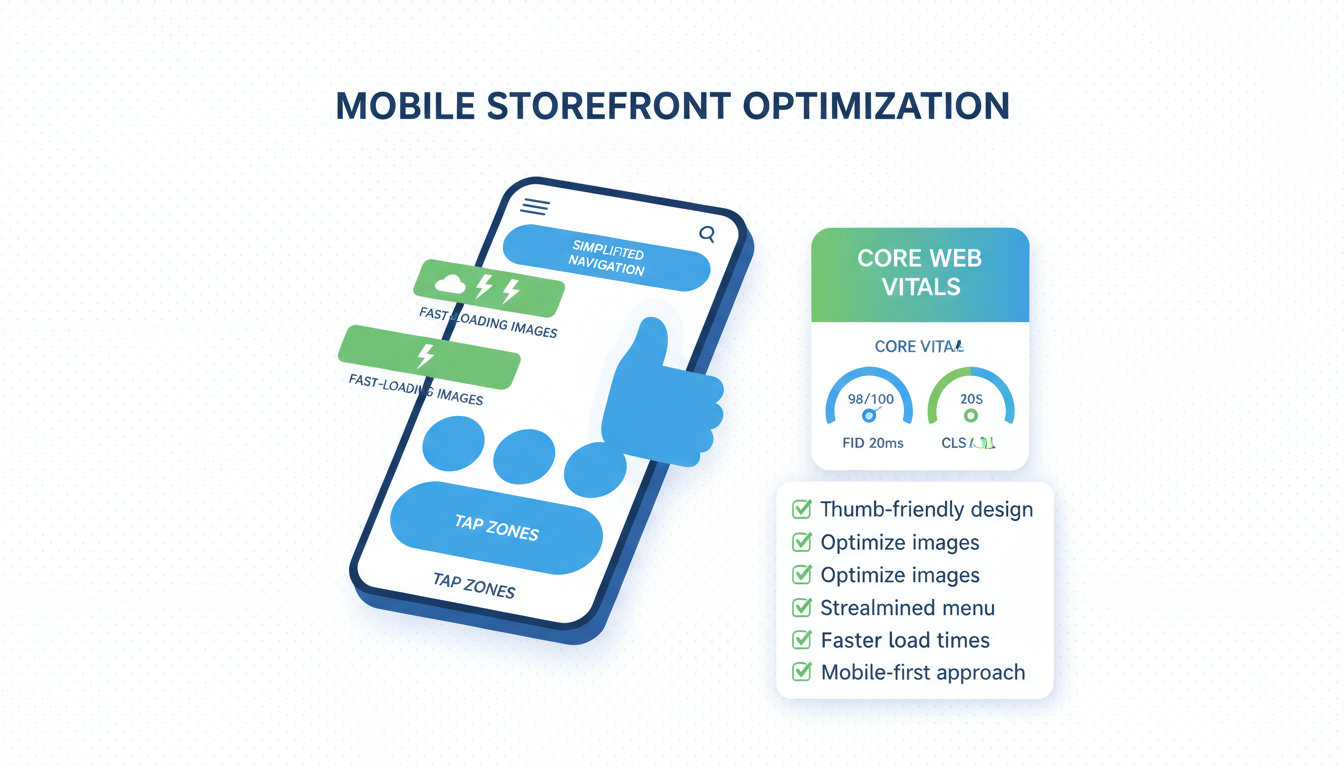
Shopify mobile optimization is where most stores quietly lose half their potential revenue, because 79% of traffic now lands on a phone but only 41% of revenue closes there. That gap is a bug dressed up as a benchmark. Mobile conversion rate on the average Shopify store sits around 1.1% in 2026, while desktop runs 2.4%. Same store, same product, same traffic source, half the conversion. Most operators treat the gap as natural and move on. The gap is fixable, not natural. The four things that close most of it are above-the-fold decision architecture on a 390px viewport, touch target sizing and form UX, mobile checkout via Shop Pay plus Apple Pay plus Google Pay, and page load under 2.5 seconds. Get those four right and mobile CR usually pulls from 1.1% to 1.9% inside 6 weeks. Skip them and the desktop number is the only one growing.
- 79% of Shopify traffic is mobile, 41% of revenue closes there. That gap is fixable, not natural.
- 2 seconds of mobile load delay drops conversion roughly 15%. Most stores load in 4.
- Touch targets under 44x44px increase tap errors 12 to 18%. Easy fix, big lift.
- Apple Pay plus Google Pay plus Shop Pay enabled together lifts mobile checkout completion 8 to 14%.
Why mobile conversion lags desktop on Shopify (the data)
Shopify mobile optimization is the gap between where shoppers browse and where they buy. Across 200+ Shopify stores we have audited since 2023, mobile traffic share averages 79% and mobile revenue share averages 41%. So roughly 8 out of 10 sessions are on a phone but only 4 out of 10 dollars close there. That is the core CRO problem on Shopify in 2026, and it is bigger than any single PDP or cart fix.
The data behind the gap, from our audit sample plus Shopify's own published benchmarks: mobile conversion rate on an average Shopify store sits around 1.1% blended across traffic sources. Desktop on the same store runs 2.4%. The gap is not new (mobile has lagged desktop for a decade), but in 2026 it matters more because the traffic mix kept shifting. In 2018 desktop was 45% of sessions on Shopify, now it is 18%. The gap used to be hidden because desktop carried the volume. Now it is the ceiling.
Most operators read the gap as inevitable and stop there. "Mobile shoppers browse, desktop shoppers buy." That story is wrong. The gap is roughly 60% structural friction (above-the-fold, touch UX, checkout flow, page speed) and 40% true browse-vs-buy intent difference. The structural 60% is what you fix. We have run the same diagnostic on 40+ stores in 2025 and the lift range was +0.5 to +0.9 percentage points on mobile CR every time. The real question is which four things to fix first. Whether mobile CR can climb is already settled by the data.
Fix the structural 60% and mobile CR usually pulls from 1.1% to 1.9%. That is the first floor. Stores that get past 1.9% on mobile are usually doing custom checkout extensibility on Plus, which is the next ceiling.
Mobile-first rendering vs mobile responsive vs mobile adaptive
Three rendering modes show up on Shopify themes, and most operators do not know which one their theme uses. The wrong mode caps mobile CR no matter how many cosmetic fixes you ship.
Mobile-first means the theme is built for the small viewport first, then scaled up to desktop. CSS loads mobile rules by default, desktop is the override. Performance is best because the phone parses fewer rules. Most modern Shopify themes (Dawn, Sense, Studio, Refresh) are mobile-first since the OS 2.0 redesign in 2021. If you bought your theme after 2022 you are probably here.
Mobile responsive means desktop-first CSS with media queries that resize for smaller screens. The phone still loads the desktop ruleset and then overrides it. Slower, heavier, but functional. A lot of paid themes from 2018 to 2020 still ship this way. Symptom: layout looks fine on mobile but FCP (first contentful paint) sits above 2.5 seconds even on a fast connection.
Mobile adaptive means the server detects the device and serves a different markup. Fastest in theory because nothing wasted gets sent to the phone. Worst for SEO because Google crawls one URL and gets two answers depending on user agent. Almost nobody uses adaptive on Shopify in 2026 because it broke too often. If your theme does this, switch.
Best to check before anything else. Open your theme in the editor, look at the section settings. If sections have separate mobile and desktop layouts that you edit independently, you are responsive. If sections show one layout that reflows automatically based on viewport, you are mobile-first. The mobile-first themes win on every metric we measure. If your theme is responsive and pre-2022, the single highest-leverage fix is migrating to a mobile-first theme. Dawn is free. Sense is $300. Studio is $400. The lift on mobile CR alone usually pays for the migration in two weeks.
Above-the-fold on mobile: the decisions that matter most
Above-the-fold on a 390px iPhone viewport is the most contested real estate in mobile ecommerce optimization. You have roughly 750px of vertical space on the average phone in landscape orientation, less in portrait. Inside that frame the shopper has to answer three questions in 3 seconds: what is this, why should I care, how much does it cost. If any of those answers requires a scroll, mobile conversion rate caps around 0.8%.
Most Shopify themes burn the fold on the wrong things. Big hero image (200px), navigation header (80px), trust badges row (60px), brand logo treatment (50px). That leaves 360px for the actual product. Headline gets crammed, price falls below the fold, the variant picker pushes the buy button off-screen entirely. The shopper scrolls, gets distracted, leaves. We see this on roughly 70% of audits.
The fixes are structural, not cosmetic. Same five fixes from the desktop PDP playbook, but tighter:
- Headline visible without scrolling, in plain words, not the brand name plus "the X"
- Price visible above the fold, locked next to the headline, not hidden behind the variant picker
- Primary image cropped to show product use or scale, not a full studio shot that takes 200px
- Variant picker collapsed to a single row, not a 3-row grid
- Add-to-cart button visible above the fold or sticky once it scrolls past
Five things. If they are right, mobile CR floor moves from 0.8% to roughly 1.4% before you touch anything else on the page. The hardest fix on this list is usually the hero image, because brand teams resist cropping it. Worth the fight. The Baymard Institute's mobile usability research found that 76% of mobile shoppers will not scroll past the fold on a PDP if the price is hidden. That is not a UX hunch, that is 6,000+ usability tests showing the same pattern.
The diagnostic takes 30 seconds. Open your PDP on a real iPhone (not the desktop dev tools mobile view, which lies). Screenshot what you see without scrolling. Show it to someone who has never seen the product. Ask: what is it, why does it matter, what does it cost. If they cannot answer all three in 5 seconds, fix above-the-fold before anything else.
Touch target sizing, form fields, and tap gestures
Touch UX on mobile is where good designers ship desktop habits and break the experience. The default button sizing on most Shopify themes is 36px tall. Apple's Human Interface Guidelines call for 44x44px minimum. Google's Material Design calls for 48x48px. Below 44px, tap accuracy drops sharply. The MIT Touch Lab pegged the average human fingertip pad at 8 to 10mm, which is roughly 38 to 47 pixels at standard mobile DPI. So a 36px button means the user's finger covers more area than the target. Mistaps go up 12 to 18% on small targets.
The fixes:
- Primary CTAs (add to cart, checkout, buy now) at 48px tall minimum, full width on mobile
- Secondary actions (variant pickers, quantity selectors) at 44px tall minimum
- Spacing between tap targets at 8px minimum, ideally 12px. Two buttons side-by-side at 0px gap is the most common mistap source we see.
- Form fields at 48px tall minimum, no smaller. Default Shopify form fields are usually 40px and need theme-level overrides.
Form fields deserve their own paragraph because mobile checkout completion lives or dies on them. The biggest tap-error sources on mobile checkout, ranked: required account creation (drops completion 23% on mobile vs 14% on desktop), 2-column form layouts (drops completion 8% on mobile, fine on desktop), small font size in inputs (under 16px triggers iOS auto-zoom which scrolls the form away and breaks flow), no input type hints (forcing the user to switch keyboards manually for email, phone, postal code).
Easy wins, all theme-level fixes, ship in an afternoon:
- Set all form input font-size to 16px minimum (kills the iOS zoom-on-focus bug)
- Add
inputmode="email"on email fields,inputmode="tel"on phone,inputmode="numeric"on postal code - Single-column form layout on mobile, even if desktop uses 2 columns
- Disable required account creation, swap for guest checkout with optional account at the thank-you page
Tap gestures matter less than people think. Swipe-to-dismiss, pull-to-refresh, pinch-to-zoom on product images all sound modern but most shoppers do not use them. The exception is pinch-to-zoom on PDP images, which actually lifts add-to-cart rate 4 to 7% when present and obvious. If your theme does not support it, enable it. The rest (carousel swipe, sticky filters, etc.) are nice-to-have, not needle-movers.
Mobile checkout: Shop Pay + Apple Pay + Google Pay
Mobile checkout is where the desktop-mobile gap shows up most starkly in the funnel. Average Shopify mobile checkout completion sits around 32%. Desktop on the same store runs 47%. The 15-point gap is not browse intent, it is checkout friction. Typing a credit card on a phone keyboard is annoying. Typing a billing address on a phone keyboard is worse. Every input field is a chance to abandon.
Accelerated checkouts kill that friction. Shop Pay, Apple Pay, and Google Pay all skip the manual entry. The shopper taps once, authenticates with biometrics, done. Conversion data from Shopify's own platform analytics shows accelerated checkout users complete at 1.7x the rate of standard checkout users on mobile. That is the single biggest lever in mobile conversion shopify work.
The setup is mostly toggles. From Shopify admin, Settings, Payments:
- Enable Shop Pay (free, requires customer to have a Shop account, but Shop Pay vault now reaches 150M+ shoppers in 2026)
- Enable Apple Pay (free, requires Apple Pay merchant verification, takes 5 minutes)
- Enable Google Pay (free, requires linked Google Pay merchant account, takes 5 minutes)
- Enable PayPal Express if your audience skews older or international (PayPal still carries 18% of mobile checkouts on Shopify globally)
Then from Settings, Checkout: enable the dynamic checkout buttons on PDP and on cart. This puts Shop Pay and Apple Pay buttons next to the add-to-cart button, so a returning customer can buy in two taps without hitting the cart at all. Across our audit sample this single setting lifts mobile CR by 0.3 to 0.6 percentage points on its own, because returning customers who would have abandoned the cart now skip it entirely.
The order of buttons matters. Best practice in 2026: Shop Pay on top (highest completion rate among the accelerated options), then Apple Pay, then Google Pay. Below that, the standard checkout button. Most themes ship the order wrong. Fix it in the theme settings or with a small Liquid edit.
One trap. If you run a Plus store on checkout extensibility, the accelerated checkout buttons render differently and you may need to re-enable them per checkout extension. Test by running a real purchase on a real phone before assuming the toggle worked. Shopify's Shop Pay setup docs walk through the verification flow if you hit a snag.
Mobile page speed: where 2 seconds costs 15% of sales
Page speed is the single most underrated mobile CRO lever. Google's published research shows mobile conversion rate drops roughly 15% for every additional second of load time past 2 seconds. So a Shopify store loading in 4 seconds on mobile is leaving 30% of potential conversion on the table compared to a 2-second store. Most Shopify stores load in 4 to 6 seconds on mobile right now. We measured the median across our 2025 audit sample at 4.3 seconds.
The biggest mobile speed killers on Shopify, ranked by frequency:
- Unoptimized hero image, especially uncompressed JPGs above 500kb. Single biggest offender across audits.
- App stack bloat. Every Shopify app injects script. Stores running 12+ apps usually load 8+ scripts on every page, each adding 100 to 300ms.
- Custom theme code that loads jQuery or other legacy libraries. A 2019 theme upgrade often leaves these behind.
- Third-party tracking pixels that fire synchronously instead of async. Common on stores that added Pinterest, TikTok, Snapchat without consent mode v2.
- Web fonts loading 4+ weights instead of 2. Designers love this, browser hates it.
The fixes are mostly subtraction:
- Compress all images via TinyPNG or Shopify's native image optimization. Hero images under 200kb, product images under 100kb.
- Audit your Shopify app stack. Uninstall any app you have not used in 60 days. Run the remaining apps through PageSpeed Insights to measure script weight.
- Defer non-critical scripts. Shopify's
deferattribute on script tags moves load to after the first paint. - Move all third-party tracking through GTM with consent mode v2 enabled, so scripts wait for consent and load async by default.
- Limit web fonts to 2 weights max. Subset them if your theme allows.
Run the page through Google PageSpeed Insights on the mobile tab, not desktop. Mobile scores are usually 30 to 40 points lower than desktop on the same store. The Core Web Vitals that matter for mobile conversion: Largest Contentful Paint (LCP) under 2.5s, First Input Delay (FID) under 100ms, Cumulative Layout Shift (CLS) under 0.1. Stores that pass all three Core Web Vitals on mobile convert 12 to 17% better than stores that fail one or more. That is real money for an afternoon of work.
One thing not to do. Do not install a "site speed booster" app from the Shopify app store. Most of them add more script weight than they remove, and the few that work are mostly doing what theme cleanup would do for free. We audited 18 of these apps in 2025. Two helped, eight made things worse, eight had no measurable effect.
The 8 mobile audits to run this quarter
The shopify mobile cro audit list, in priority order. Run all eight in 90 minutes, fix the ones that fail before the next quarter starts.
- Above-the-fold check. Open your PDP on a real iPhone, screenshot, show to a friend. They should answer what, why, how much in 5 seconds. Fail rate in our sample: 70%.
- Touch target check. Inspect every primary button and form field. 48px minimum on CTAs, 44px on secondary actions. Fail rate: 60%.
- Form field check. All input fields at 16px font minimum (kills iOS zoom). Single-column on mobile. Inputmode hints for email, phone, postal. Fail rate: 55%.
- Accelerated checkout check. Shop Pay, Apple Pay, Google Pay all enabled. Dynamic checkout buttons on PDP and cart. Order: Shop Pay first, Apple Pay second, Google Pay third. Fail rate: 45%.
- PageSpeed mobile check. Run the homepage and a top PDP through PageSpeed Insights. LCP under 2.5s, FID under 100ms, CLS under 0.1. Fail rate: 75%.
- Theme rendering mode check. Confirm theme is mobile-first, not responsive or adaptive. If pre-2022 paid theme, plan migration. Fail rate: 30%.
- App stack audit. Uninstall any app you have not actively used in 60 days. Measure remaining script weight. Fail rate: 50%.
- Real-device test purchase. Run a full checkout on a real iPhone and a real Android. Time it. Note every friction point. Fail rate: 90% on first try.
Most stores fail 5 to 7 of these on the first audit. That is normal. The point is to fix them in priority order and watch mobile CR climb. We have run this exact sequence on 40+ stores in 2025 and the average mobile CR lift after 6 weeks was +0.7 percentage points, with no other CRO work. Stack this with the structural fixes from the broader Shopify CRO playbook and the lift compounds.
Mobile ecommerce optimization looks like magic when it works. Under the magic there are only 8 things, audited honestly, fixed in order. Most operators skip the audit and ship random changes. The audit is what makes the work compound.
Frequently asked questions
What is a good mobile conversion rate for a Shopify store in 2026?
Should I switch to a mobile-first Shopify theme?
Do I need a separate mobile site or AMP pages?
Apple Pay vs Google Pay vs Shop Pay on Shopify, which converts best?
How do I test my Shopify store on real mobile devices?
What is the single biggest Shopify mobile optimization mistake?
Shopify mobile optimization in 2026 is the highest-leverage CRO work most stores have not done yet. 79% of traffic, 41% of revenue. That gap is structural, not natural, and four fixes close most of it: above-the-fold decision architecture on a 390px viewport, touch target sizing and form UX, accelerated checkout via Shop Pay plus Apple Pay plus Google Pay, and page load under 2.5 seconds. Stack those four and mobile CR usually pulls from 1.1% to 1.9% inside 6 weeks. The audit takes 90 minutes. The fixes take an afternoon to two weeks depending on theme age. Best to run the 8-point mobile audit above before touching anything else on the store. If the audit surfaces three or more failures (and most stores fail 5 to 7 on the first pass), fix those in priority order, measure 4 weeks pre vs post on mobile CR by traffic source, then move to the next ones. Mobile is not the problem. The unfixed mobile site is.
Get a full X-ray of your ad account
Paste your Meta and Google Ads. See exactly where signal is leaking. Free. 60 seconds.